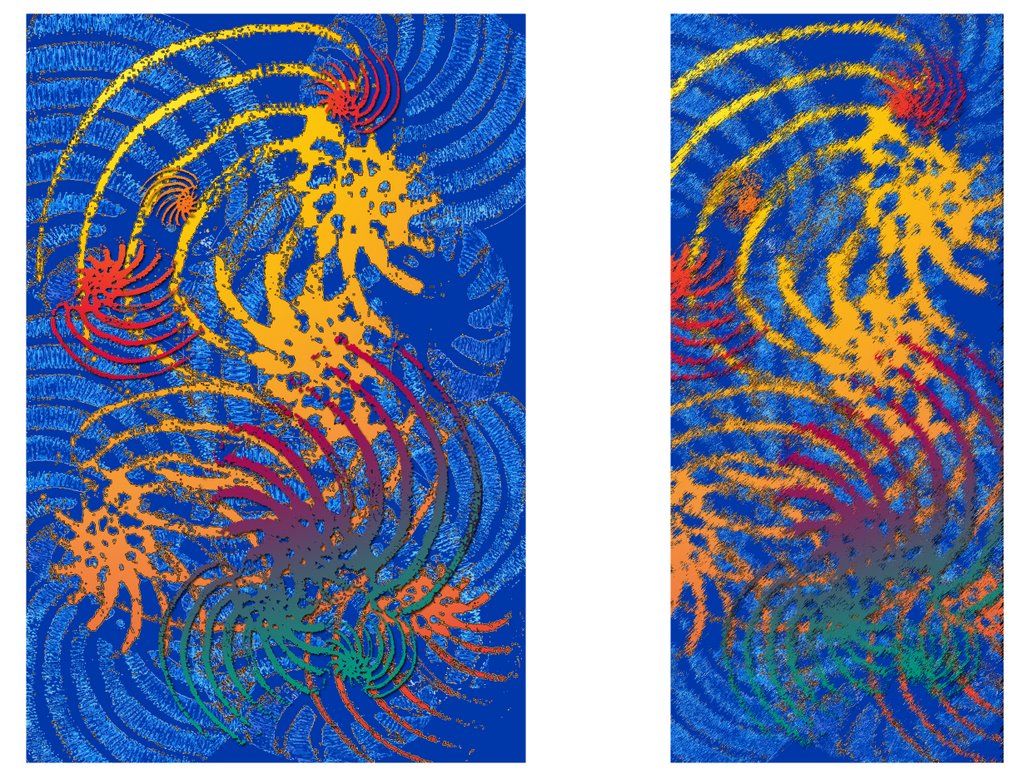
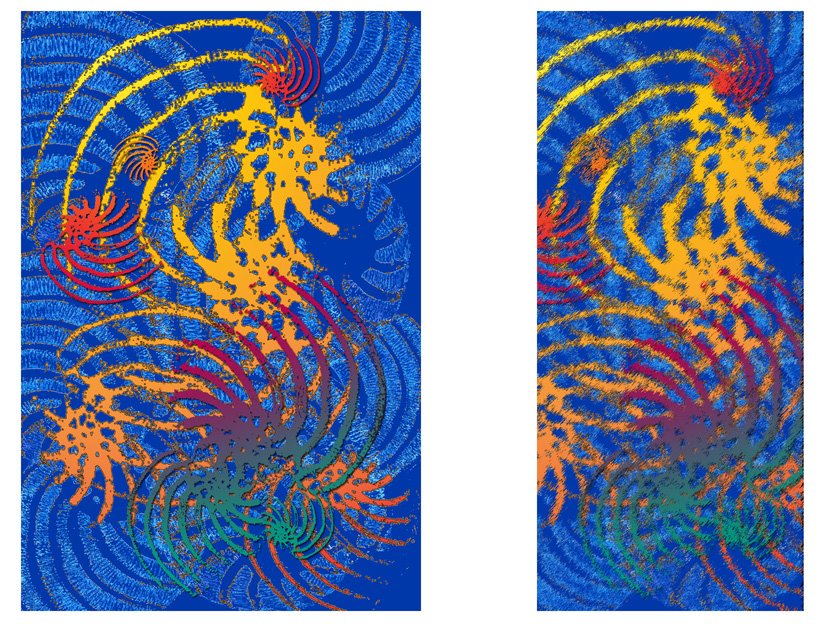
Cactus Consequences was it a game, or was it a challenge? We all started off with the same image (above), a beautiful picture of a cactus taken by Erica at Wisley. Everyone then had to make some sort of transformation to it and pass it on to the next person on the list of members. The image had a restricted size of 1mb and was to be about 10cm sq, approx 150ppi. The reason for the restriction is that not everyone in the group is on broadband (download times etc).
We each recorded what we did to the image, and sent it on as a single layered jpeg so no one could see the previous transformations and be influenced by them. Each week we passed on the images, but it soon became apparent that not everyone was sticking to the rules of engagement! We had some very interesting shpaes and sizes of image and quite a range of file formats too, which made it a little tricky for some to bring the image back in to line! It all added to the challenge though, and I think we all learnt more about how to change file sizes, ppi/dpi, layers and their implication for file sizes, and also keeping records and naming layers.
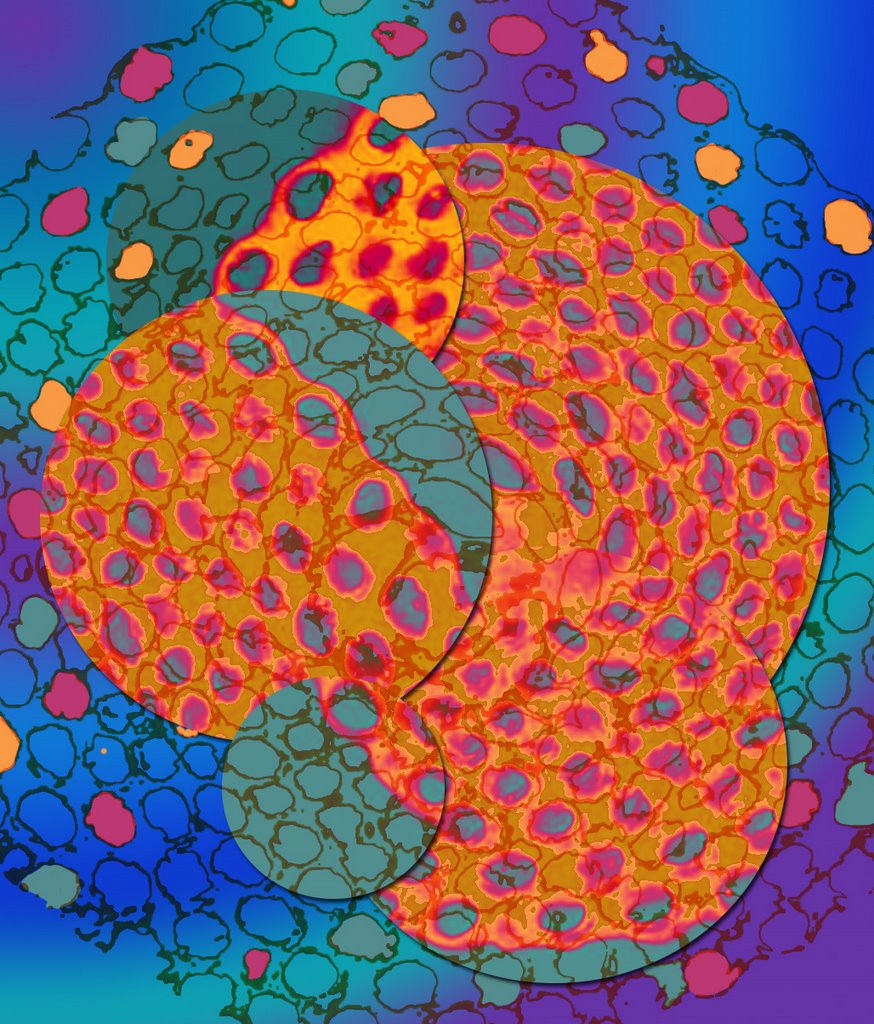
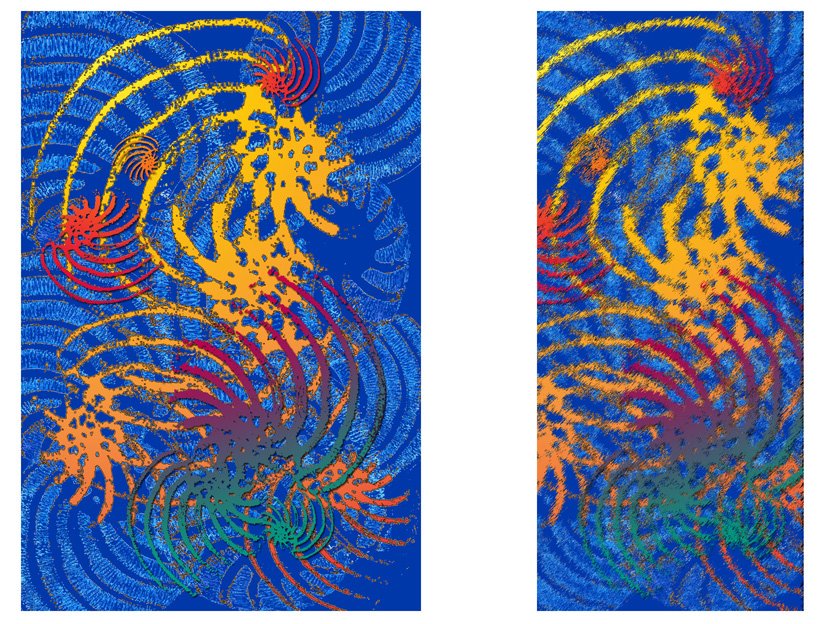
Below is my record of a transformation I made to one of the images.
Everyone had kept some sort of record of what they did and we followed one image around the group as it was transformed again and again. Whenever an image got to Erica it seemed to turn green! Chrissie was excellent at creating unusual shapes, Pat was in to pattern and Ros was keen to try out something new each time.
By listening and trying out peoples transformations on Ericas computer we all learnt things we did not know before. In fact I think we all had information overload as well!
Hopefully we will all post an image of the stages that transformed each one of our starting images into the end images that we received as they finished going around the group. Mine is still travelling at this point, but I hope to have the finished one back soon.
I am looking forward to the next one, Hilary has kindly supplied us all with another image to work on.
Thanks Erica for being our host this time, and thank you too for your origami skills!








 Posts
Posts